
On this page
A TV on the wall looks clean and frees up floor space, but a falling TV is expensive and dangerous. The difference between a mount that holds for years and one that pulls out of the wall comes down to a few decisions: where you fasten it, what you fasten it with, and how carefully you check your work.
This guide covers mounting a flat-panel TV on a standard drywall wall. Read the safety section first. Then follow the steps in order, and do not skip the checks. If anything in your wall looks unusual (plaster, brick, metal studs or a fireplace), see the section near the end on when to call a pro.
Safety first
- Two people for the lift. Even a mid-size TV is awkward to hold at arm's length while lining up a bracket. Hanging the TV is a two-person step. A dropped screen cannot be repaired cheaply.
- Check for wires and pipes. Before drilling, use a stud finder with a live-wire detection mode, and look at where outlets and switches are. Wiring commonly runs vertically from outlets and switches, so be careful drilling directly above or below them. Avoid mounting over a wall that has plumbing on the other side, such as a bathroom or kitchen wall.
- Never rely on drywall alone. Plain drywall is not strong enough to hold a TV by itself. The mount should go into wall studs, or into a properly rated heavy-duty anchor if there is no stud where you need it (more on that below).
- Know your TV's weight. Look up the weight and screen size in the TV manual or on the box. The mount and every fastener must be rated for more than that weight.
- Wear safety glasses. Drilling overhead sends dust and debris into your eyes.
- Use a stable ladder or step stool. Do not stand on a chair, and do not lean away from the ladder to reach the bracket.
What you need
- A TV wall mount rated for your TV's weight and screen size
- The VESA pattern of your TV (the hole spacing on its back), which must match the mount
- A stud finder, a drill/driver with bits, and a 2-foot or longer level
- A pencil, masking tape and a tape measure
- A socket wrench or screwdriver for the lag screws
- A helper
Use the hardware that comes with your mount only if it matches your wall. If the screws look too small, buy fasteners the manufacturer recommends for studs.
Choosing the right mount
Fixed mounts sit flat against the wall and are the simplest to install. Tilting mounts angle the screen down, which helps when the TV hangs above eye level. Full-motion mounts swivel and extend, but they put more leverage on the wall, so solid studs matter even more.
Before you buy, check three things on the box: the weight rating, the supported screen sizes and the VESA patterns it fits.
Step-by-step: mounting a TV on drywall
Step 1: Decide where the TV will go
Sit where you normally watch and mark the height you want the center of the screen to be. A common guideline is to have the middle of the screen roughly at eye level when seated, but your room and furniture matter more than any rule. Take a moment to think about outlets, light sources that cause glare and whether furniture or a soundbar will sit below the TV.
Use masking tape on the wall to outline the size of the TV. Step back and look at it from your seat. Moving tape is much easier than patching holes.
Step 2: Find the studs
Run the stud finder across the wall and mark the edges of each stud with pencil or tape. Studs in a typical home wall are commonly spaced 16 inches apart, measured from center to center, but this varies, especially in older houses. Confirm what you find rather than assuming.
To double-check, mark both edges of a stud, find the center, and then measure to the next stud. The spacing should be consistent. You can also tap the wall: a hollow sound means empty cavity, and a duller sound suggests a stud.
Many mounts need two studs, and a heavy TV or full-motion arm especially benefits from them.
Step 3: Hold the bracket up and mark the holes
Hold the wall plate against the wall at your marked height. The bracket's slots should line up with the stud centers. Place the level on top of the plate and adjust until the bubble is exactly in the middle. Mark the hole positions with a pencil through the bracket.
Take your time here. A bracket that is slightly off level will make the TV look crooked, and the mount's fine adjustments will not always fix a large error.
Step 4: Drill pilot holes
Choose a drill bit slightly smaller than the lag screws that came with your mount. Drill pilot holes at each marked spot, going deep enough to reach into the stud. A pilot hole keeps the wood from splitting and makes the screw go in straight.
If the drill hits something hard or the bit goes through with no resistance, stop. You may have missed the stud. Check again with the stud finder before drilling more holes.
Step 5: Attach the wall plate
Hold the plate over the holes and drive the lag screws in with a socket wrench or drill/driver. Tighten until the plate is snug against the wall. Do not over-tighten, since that can crush the drywall or strip the wood.
Check the level again after the first two screws, then finish tightening the rest. Pull firmly on the plate. It should feel solid, with no movement or flex.
Step 6: Attach the brackets to the TV
Lay the TV face down on a soft surface such as a blanket on a bed or a carpeted floor. Do not lay it on a hard surface, since that can crack the screen. Find the VESA holes on the back. Use the spacers and screws that fit your TV, as shown in the mount's instructions.
Do not force screws that do not fit. If the thread does not line up, you probably have the wrong screw size. Check the mount's hardware bag for the correct one.
Step 7: Connect cables before hanging
It is much easier to plug in HDMI and power cables while the TV is still in your hands. Do this now, especially if the ports are recessed.
Step 8: Hang the TV
With your helper, lift the TV and hook the brackets onto the wall plate. Lower it slowly and make sure it seats properly. Most mounts have a locking tab, screw or latch that stops the TV from lifting off by accident. Engage it.
Check the level one more time and adjust using the mount's leveling screws if it has them. Push gently on each corner of the TV. It should not shift or rattle.
Step 9: Manage the cables
Cable covers that stick to the wall hide wires in a slim channel, and simple clips and ties tidy the cables behind the TV. In-wall kits must be rated for in-wall use, and never run a standard power cord inside a wall. Hiding the power plug inside the wall is electrical work for a licensed electrician.
What if there is no stud where you want the TV?
Move the TV. Shifting a few inches to land on a stud is the simplest and strongest fix. A wider mount that spans two studs can also let you center the TV and still hit solid wood.
Use heavy-duty anchors only if the manufacturer allows it. Read the weight rating carefully. A stud is always stronger, and if you are not sure an anchor is rated for your TV and wall, do not use it.
Common mistakes
- Trusting light-duty plastic anchors for a heavy TV.
- Skipping the level. A crooked bracket means a crooked TV.
- Over-tightening. Snug is enough; more force crushes drywall or strips the hole.
- Mounting too high. If you must, use a tilting mount.
- Forgetting to check what is behind the wall. Wires and pipes are the biggest hidden risk.
When to call a pro
A simple fixed or tilting mount on a standard drywall wall with studs where you want them is a manageable weekend job. Other situations are harder, and it is worth bringing in help:
- Plaster and lath walls, which are common in older Pittsburgh homes and can crack or crumble when drilled
- Brick, stone, tile or concrete walls that need masonry bits and special anchors
- Metal studs, which need different fasteners
- Large or heavy TVs, or full-motion arms
- Mounting above a fireplace
- Hiding cables inside the wall
- If you simply do not want to risk the TV or the wall
Fixium Craft handles TV mounting in Pittsburgh for apartments and houses, including finding studs, leveling the mount and tidying the cables. TV mounting starts from $89, flat-rate, and we can quote from your TV size and a photo of the wall.
If the wall in your home is plaster, brick or just uncertain, a quick photo and a message is a cheap way to avoid a costly mistake.
Frequently asked questions
Can I mount a TV on drywall without studs?
It is not recommended. Plain drywall cannot carry the weight of a TV by itself. Mount into studs wherever possible. If that is impossible, use only fasteners that the manufacturer rates for your TV's weight and your wall type.
How do I know if the mount will fit my TV?
Check the VESA pattern, the maximum weight and the supported screen sizes. All three must match your TV.
How long does it take to mount a TV?
For a first-timer with a helper, plan on about an hour and a half, including finding the studs and leveling. Cable management adds time.
How high should I mount my TV?
A good starting point is the center of the screen near eye level when seated. Test with tape on the wall before drilling.
Recent jobs by our Pittsburgh team
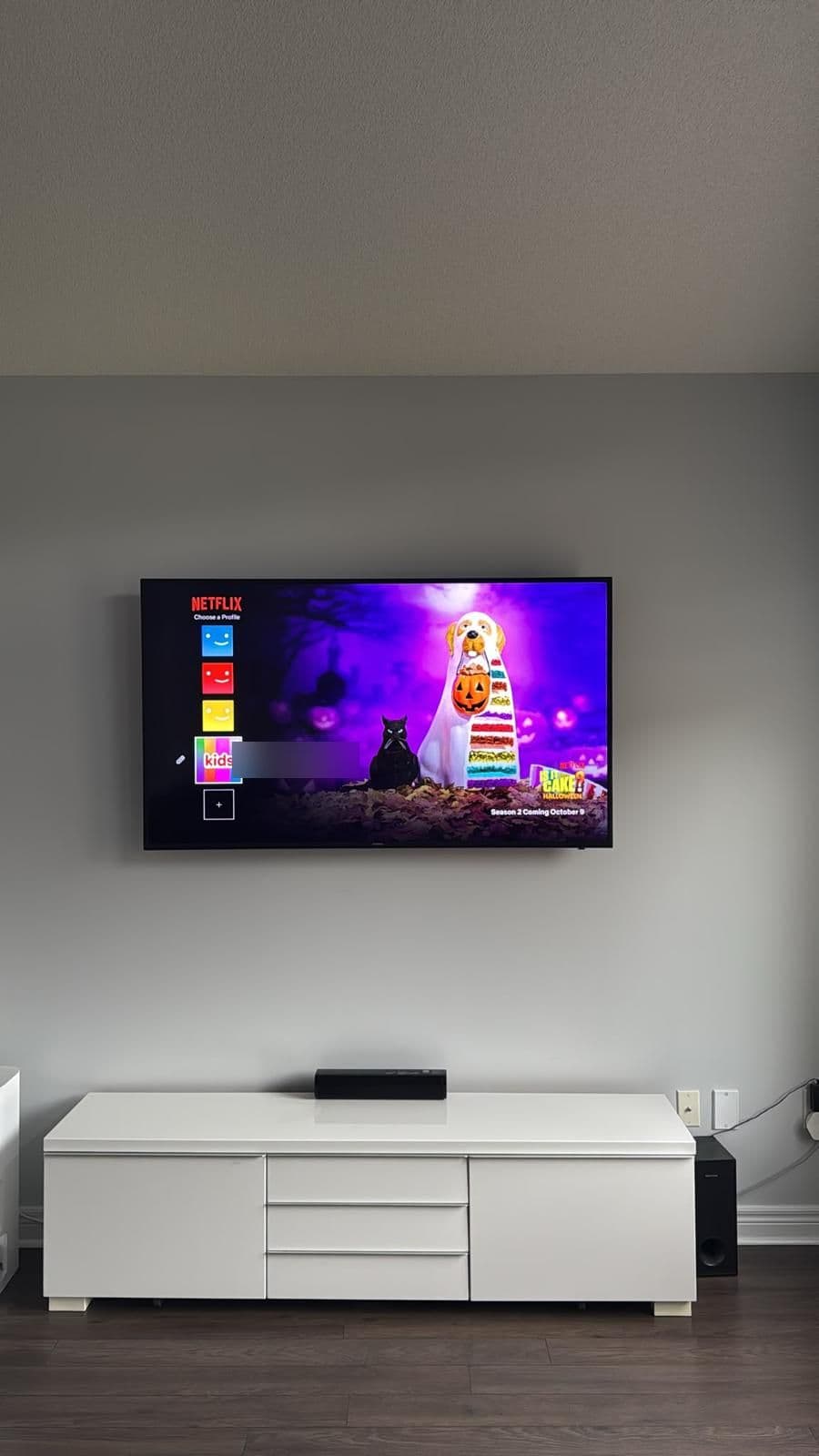
TV wall mounting
- 5.0 on Google (2 reviews)
- Fully insured
- Background-checked techs
- Flat rate quoted before we start
- Pittsburgh-based team
Want the TV on the wall without the risk?
TV mounting in Pittsburgh from $89, flat-rate. Text us your TV size and a photo of the wall and we'll quote the job.
Prefer to talk it through?
Flat-rate pricing · Fully insured & background-checked · Same-day slots
Learn more about TV Mounting & Wall Hanging in PittsburghMore Helpful Guides
How to Anchor a Dresser or Bookcase to a Wall (Anti-Tip Guide)
A step-by-step guide to anchoring a dresser, bookcase or tall cabinet to the wall: safety first, finding studs, choosing hardware, installing the anchor and testing it.
Read the guideHow to Hang Heavy Shelves and Find Studs
A practical guide to hanging heavy shelves: check what is behind the wall, find and confirm studs, choose brackets and fasteners, mark, drill, mount and test.
Read the guide